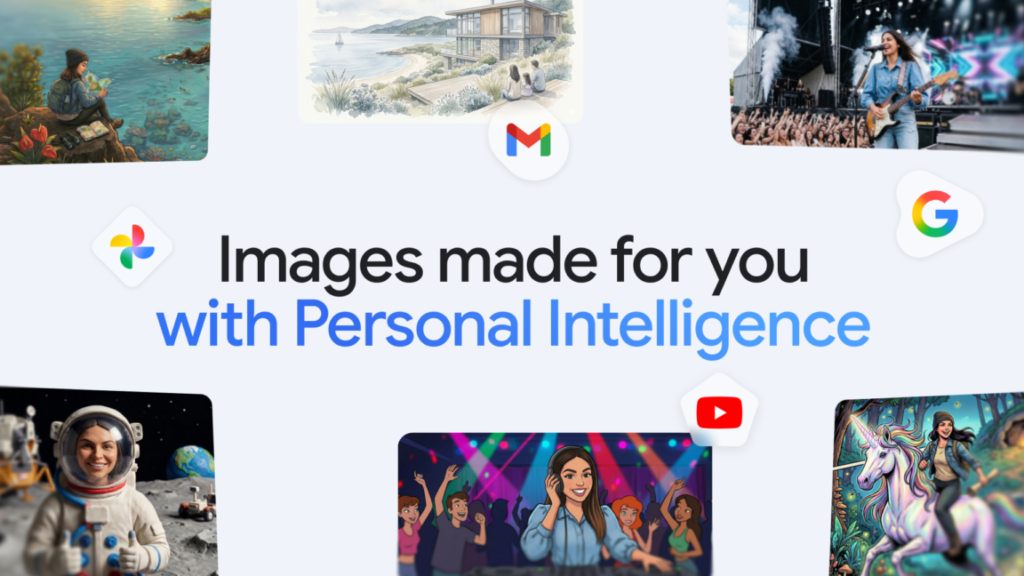

Google is rolling out a feature that lets Gemini dig through your Google Photos library to help generate AI images. If you’re on the paid tier and you opt in, the chatbot can pull from your personal photo collection and its associated labels to make prompts simpler and outputs more accurate.
This isn’t entirely new territory. Google’s Nano Banana 2 (yeah, that’s the actual name) is already one of the better AI image generators out there, and you could previously feed it reference images of yourself or others to get better results. What’s changed is that now the system can automatically browse your photos instead of you having to manually pick and upload them.
In theory, more personal data means better AI outputs. That’s generally true. Google’s examples make sense: instead of typing out a detailed description of your family or your dog, you can just say “my family” or “my dog” and let Gemini do the heavy lifting of finding relevant photos in your library.
The convenience is real. I’ve messed around with feeding reference images into image generators before, and the manual process is tedious. You have to find the right photos, upload them, and hope the model picks up on the right details. Automating that step saves time.
But let’s be honest about what this means. You’re giving an AI model direct access to your personal photo collection. Google already has that data, of course—it’s sitting in their cloud. But now it’s being actively ingested as context for generating new images. The company says this is opt-in, which is better than nothing, but I’m curious how many users will actually understand what they’re agreeing to.
There’s also the question of accuracy. Photo libraries are messy. They contain blurry shots, group photos where faces are partially hidden, old pictures of pets that look completely different now. I’m skeptical that Gemini will consistently pick the right reference images without some human guidance. Google’s demo examples are clean and obvious. Real-world use will be messier.
Still, this is the direction the industry is heading. Personalization is the next frontier for AI assistants, and photo libraries are one of the most data-rich personal resources most people have. Apple’s doing similar things with on-device intelligence, and Meta’s been experimenting with this too.
I just wish the rollout included clearer explanations of what happens to your photo data during this process. Is it used for further training? Stored temporarily? Encrypted? The privacy policy details matter here, and they’re buried in the usual legal language.
For now, if you’re a Gemini subscriber who’s comfortable with the trade-off, this feature will probably make your AI image generation faster and more accurate. I’ll be testing it myself to see how well it handles my chaotic photo library. I expect mixed results.
Comments (0)
Login Log in to comment.
Be the first to comment!