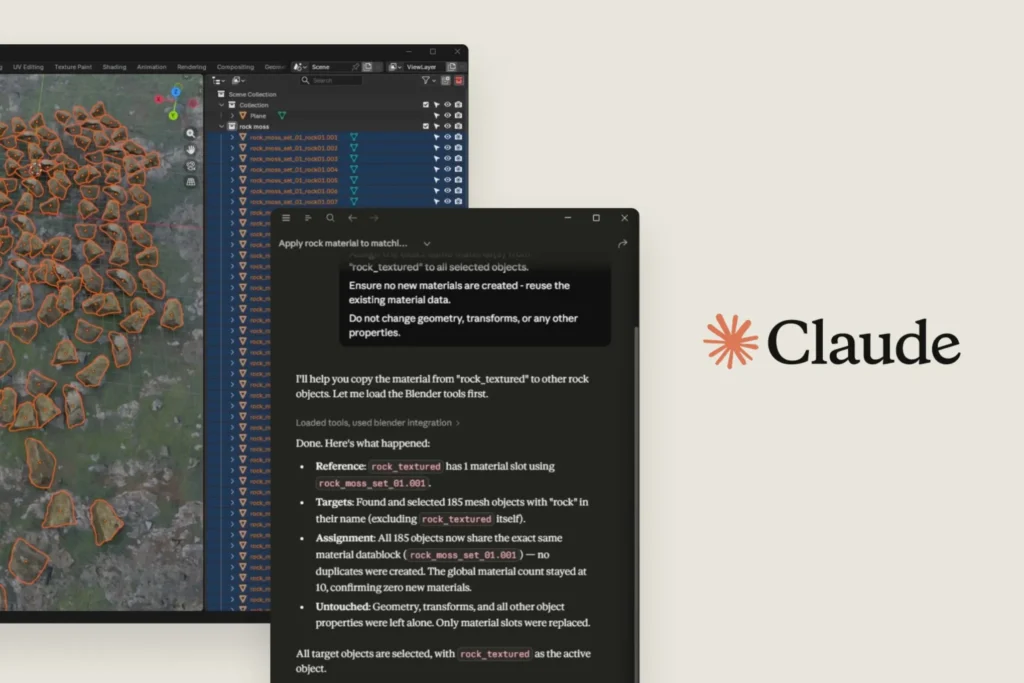

Anthropic just dropped a set of connectors that let Claude reach into your creative software stack. Photoshop, Blender, Ableton Live, Affinity, Autodesk — even some niche tools — are now fair game from the chatbot interface.
This isn’t just another API wrapper. These connectors are purpose-built to let Claude read data, trigger actions, and even build new tools inside each app. For Blender, you can debug a scene, batch-apply object transformations, or script new modifiers without leaving the chat window. In Photoshop, Claude can adjust layers, apply filters, or export assets based on natural language prompts. Ableton users can tweak MIDI clips, adjust mixer settings, or generate automation curves.
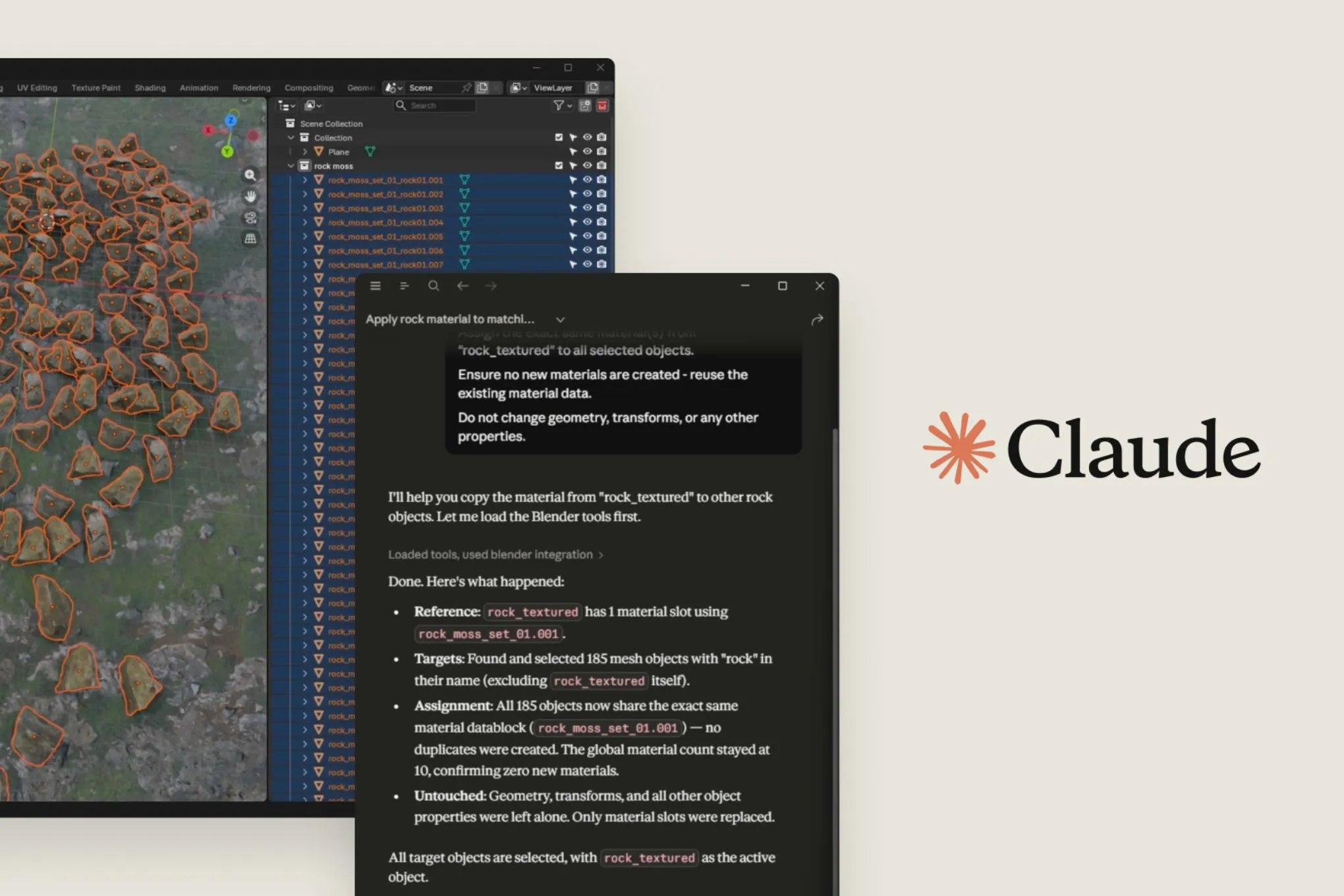
I’ve been testing the Blender connector for a few days, and it’s genuinely useful for repetitive tasks. Need to rename 50 objects with a consistent naming scheme? Done. Want to apply a subdivision surface modifier to every mesh in a collection? Claude handles it in seconds. The catch: you still need to know what you’re asking for. If you don’t understand Blender’s modifier stack or node system, Claude won’t magically teach you. It’s a power tool, not a tutor.
The Adobe connector works similarly. It hooks into Creative Cloud via the Adobe UXP API, so Claude can script actions in Photoshop, Illustrator, and After Effects. I tried having Claude batch-resize a folder of PSDs and apply a specific curves adjustment — it worked, but slower than a dedicated script. For one-off edits or prototyping, it’s fine. For production pipelines, you’d still want native scripting.
Ableton’s connector is interesting because it taps into Live’s Python API (through PyLive). Claude can read and modify track parameters, clip properties, and even generate MIDI patterns. I asked it to create a 16-bar drum pattern with a four-on-the-floor kick and offbeat hi-hats — it delivered a usable loop, though the velocity variations were flat. Good for sketching ideas, less so for polished tracks.
Anthropic frames this as a push into the creative industry, following their recent Claude Design launch. But let’s be honest: these connectors are still in early access. Authentication is clunky — you have to authorize each app separately, and the OAuth flow isn’t seamless. Also, Claude’s context window can become a bottleneck when working with large Blender scenes or complex Photoshop documents. The model will forget earlier instructions after a few hundred lines of conversation.
Still, this is a smarter play than just releasing another generic AI plugin. By building connectors that talk directly to each app’s native API, Anthropic sidesteps the limitations of screen-scraping or image-based automation. Claude can read object hierarchies, layer structures, and project metadata — not just pixel values. That’s a meaningful difference from what we’ve seen from competitors like Runway or Midjourney’s Photoshop plugin.
One thing that bugs me: the pricing. These connectors require a Claude Pro subscription ($20/month) or an Enterprise plan. For freelancers or hobbyists, that’s another subscription on top of Adobe’s Creative Cloud ($55/month for the full suite) or Ableton Live Suite ($749). Anthropic needs to offer a more affordable tier if they want serious adoption among independent creatives.
I also wish they had better documentation. The current setup guides assume you’re comfortable with API tokens, environment variables, and app-specific scripting languages. That’s fine for developers, but the target audience here is designers, musicians, and 3D artists — many of whom don’t want to touch a terminal.
Despite those gripes, these connectors are a genuine step forward. They turn Claude from a chat-based assistant into something closer to a collaborative tool that lives inside your creative apps. If Anthropic iterates on the UX and pricing, this could become the default way to automate repetitive tasks in creative software. For now, it’s a promising beta that’s worth trying if you’re already deep in the ecosystem.
Comments (0)
Login Log in to comment.
Be the first to comment!