
Google didn’t waste any time shoving Gemini into Workspace apps when the AI race kicked off, but the initial integration felt bolted on. Now they’re going deeper.
The company announced a revamp of Gemini features across Drive, Docs, Sheets, and Slides. The pitch is familiar: save you from the tyranny of the blank page. But this time, there’s actual substance behind the marketing.
The new drafting flow
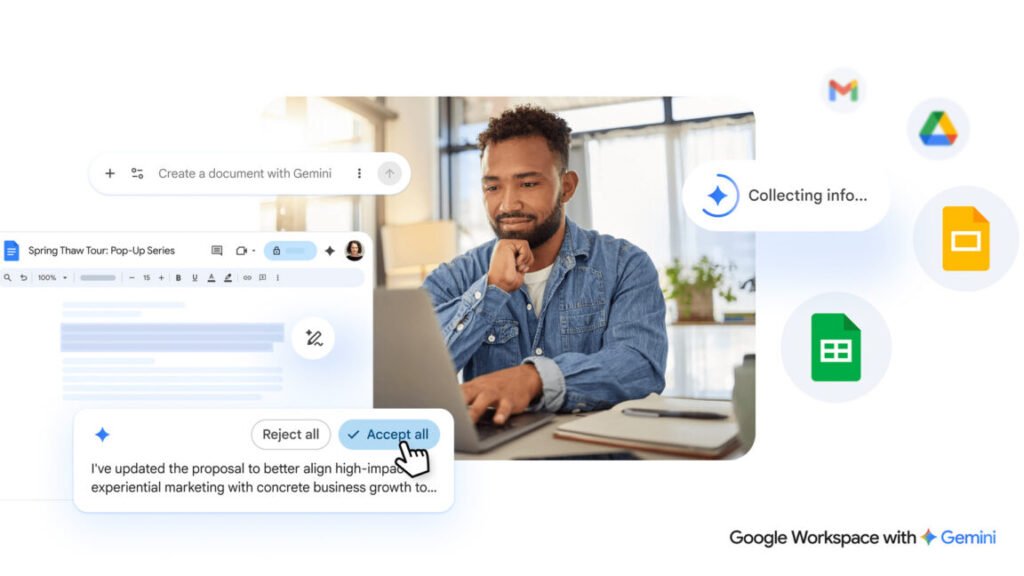
If you open a new Google Doc today, you already see AI tools at the top. Under the new system, those options get refined and expanded. The big change is a chatbot-style text box that appears at the bottom of a fresh document. You describe what you need, and Gemini spits out a first draft.
What’s interesting is the source integration. When generating a document, Gemini can pull from Gmail, other docs, Google Chat, and even the web. That’s more useful than it sounds — I tried asking it to summarize a project from recent emails and meeting notes, and it actually returned something coherent.
Editing that doesn’t suck
The editing capabilities got a real upgrade too. You can highlight specific sections and ask for changes, or use prompts to reformat entire documents. Google also added AI-assisted style matching, which is overdue if you’ve ever dealt with a shared doc where three people wrote in completely different tones.
One thing I appreciate: Gemini suggestions remain private until you explicitly approve them. That’s a small privacy win, though Google’s track record means I’m not fully relaxed about it.
Slides and Sheets get love
Slides users can now generate and stylize entire presentations from a prompt. It’s not going to replace a good designer, but it’ll save you from staring at a blank slide deck at 11 PM. Sheets gets similar treatment — Gemini can help build formulas, analyze data, and generate charts based on natural language queries.
The catch
All this works best if you’re already deep in Google’s ecosystem. If you use external tools or have messy file organization, Gemini’s context-gathering falls apart. And the quality of outputs still depends heavily on how well you phrase prompts. Garbage in, garbage out — AI doesn’t fix bad requirements.
Also worth noting: these features require a Gemini for Workspace add-on subscription. Free users get a taste, but the full experience costs extra.
My take
This is Google finally treating AI as a core part of Workspace rather than a gimmick. The cross-app context is genuinely useful, and the editing tools are better than what Microsoft Copilot offers in Office right now. But it’s not revolutionary — it’s just making existing workflows less painful. That’s fine by me.
Comments (0)
Login Log in to comment.
Be the first to comment!